Mobile apps and access

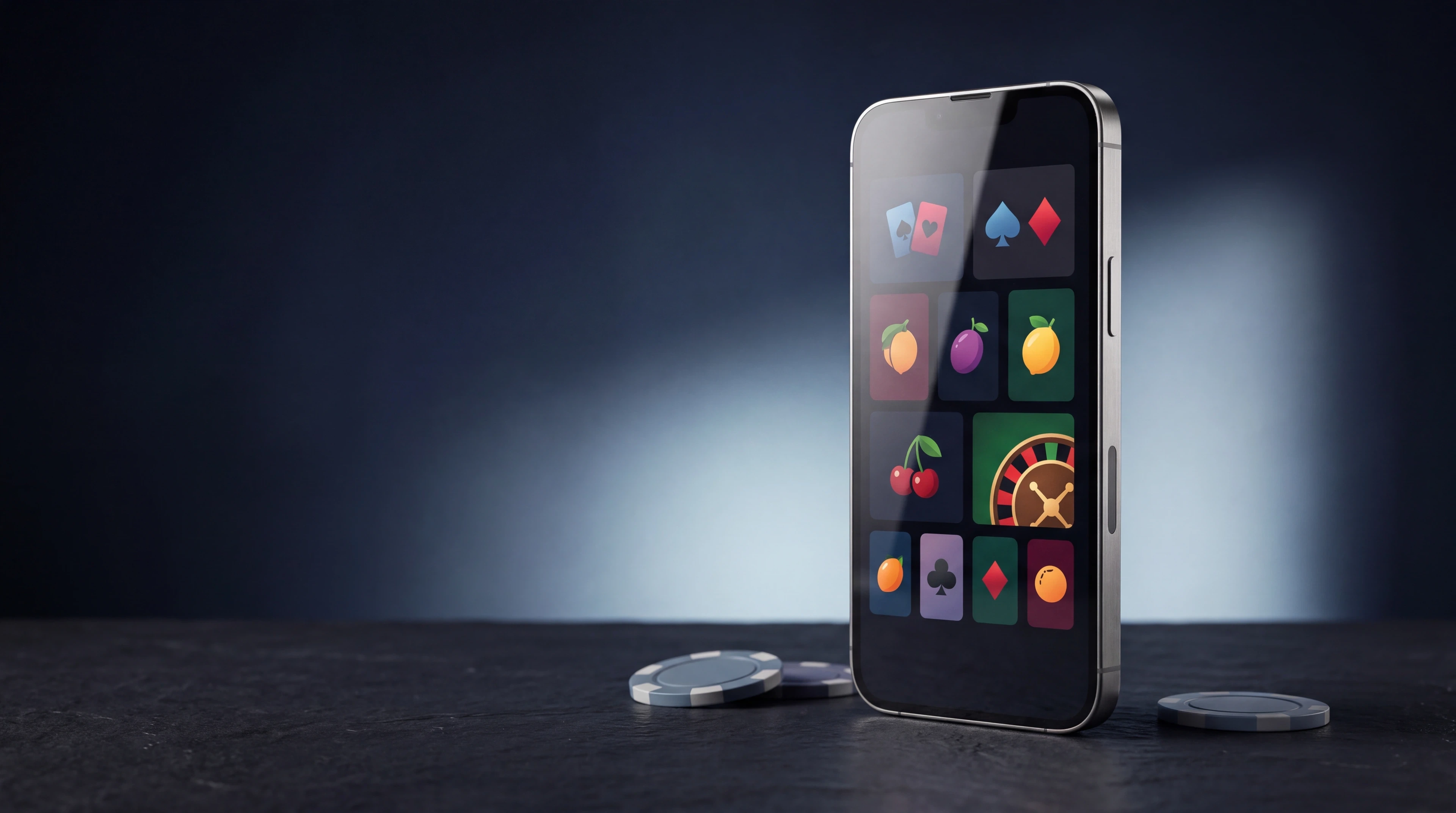
Unbranded smartphone displaying a wordless casino-app tile grid.

View how you open Dragonia Casino on a phone or tablet. Whether you can install an app or use the browser depends on your device, region and the options on the official platform.

Open on Android

iOS app and PWA

There are two common routes for iPhone and iPad: a native app from the App Store and a progressive web app (PWA). A PWA is not a separate program to download, but a web page added to the home screen that opens full-screen like an app. In a review of Dragonia Casino, a simple rule therefore applies: install only from a link provided by the operator or from the App Store, never from unknown sources.

Adding a PWA on an iPhone is done in Safari. Open the casino website, tap the share icon, choose «Add to Home Screen» and confirm the name. The procedure may differ slightly depending on the iOS version and the browser, but Safari is the most reliable choice. Updates are loaded from the web, so you do not have to download anything manually, and a PWA usually takes up less storage than a native app.

When launched from the home screen, it opens the same website with the game catalogue, which according to the available information contains thousands of titles in the categories of slots, live casino, table games, jackpots and game shows. Sports betting is also included. Live games require a stable connection, ideally Wi-Fi or good-quality mobile data. After installation, try loading the lobby, the cashier and the live tables.

If the icon does not appear or the page behaves differently when opened from the home screen than in Safari, it may help to delete the icon and add it again, update iOS or check the free space on the device. If you run into problems, round-the-clock live chat and the email [email protected] are available. Before contacting support, prepare your device model, the iOS version and a description of the error, which will make it easier to resolve.

  • Check directly on the operator's website and in the App Store whether a native iOS app is available, or only a PWA.
  • For a PWA, use Safari: Share, then Add to Home Screen.
  • Before installing, check that your iOS is up to date and that you have enough free space.
  • A native app may be available in the App Store only in some Apple ID regions, so check your region setting before searching.
  • After adding the icon, test loading the lobby, the cashier and live games on both Wi-Fi and mobile data.
  • If you have problems, contact live chat or [email protected] and state your device model and the iOS version.

Secure login and account access

Secure account access begins at the correct address. Open the login page by manually typing the address or from a bookmark, not from links in emails and messages. Check that the browser displays the padlock for an encrypted connection. Dragonia Casino uses SSL encryption. Use a unique password that you do not share with other services, and log out after playing on shared devices. If you suspect a password leak, change it immediately and contact support.

Account and withdrawal access may be linked to identity verification. The operator may, at its own discretion, request documents before or after a deposit, or upon withdrawal. These include proof of identity, proof of address, proof of ownership and transaction history of payment methods used, for example account or card statements. For cards, the first six and last four digits are typically visible. Send documents only through official channels.

You have 30 days from the request to submit documents. If you do not provide them, payments may be withheld and the account blocked and permanently closed. Verification takes up to 10 days from a complete response, in some cases longer. The operator may also use verification by phone, face or third-party services. For login issues, live chat or email [email protected] will help, both available around the clock. Prepare documents in advance to make later withdrawals easier.

Before registration, check the operator's licence and the authority that issued it in the terms and conditions and in the website footer. Only persons aged 18 years and over may play. The list of restricted countries can be found in the terms and conditions. Self-exclusion can be requested by email to [email protected]; other accounts must be reported and new ones must not be created. Set limits on time and deposits and play only with money you can afford to lose.

  • Open the login page from a bookmark or manually typed address, not from links in messages.
  • Before entering your password, check the encrypted connection (padlock) in the browser address bar.
  • Use a password you do not use anywhere else, and log out after playing on a shared device.
  • Prepare proof of identity, proof of address and statements for payment methods used in case of verification.
  • Respond to requested documents within 30 days, otherwise payment holds and account closure are at risk.
  • For access problems, write to [email protected] or use live chat, available around the clock.
  • In the terms and conditions, verify the operator's licence, age limit 18+ and restrictions by country.

Use in browser on mobile and computer

Dragonia Casino combines casino and sports betting, so in the browser the main advantage is convenient switching between sections without installation. On a computer you have a better overview of the lobby, filters and game history, whilst on mobile the advantage is quick launch from a link or bookmark. Use a current version of Chrome, Safari, Firefox or Edge and open the page via an address you have verified.

The offering includes slots, live casino, table games, jackpots and game shows. Slots and jackpots usually work well even on a smaller display, but live tables and shows stand out more on a larger screen or on a mobile rotated to landscape. For live streaming, a stable connection is more important than phone performance. Wi-Fi tends to be more reliable than a weak mobile signal, especially when making decisions in a time-limited round.

If something gets stuck in the browser, first refresh the page, turn off content blockers for this website and clear the cache. If the problem persists, you can write to live chat or to [email protected], support is available around the clock. The website offers 20 languages, so in the language settings check that Czech is selected, and verify important texts directly on the page.

There is also a practical difference in control. On a computer you can conveniently open multiple tabs, but several live tables at once unnecessarily burden the connection and browser. On mobile, turn off power saving mode, which can interrupt streaming, and keep the display on. Before starting a game, check whether the page has adapted correctly to the display, and if you have issues, try a different browser.

  • Use a current browser version and update it before longer play.
  • For live casino and game shows, choose stable Wi-Fi or a strong mobile signal.
  • On mobile, rotate the phone to landscape and turn off battery saver mode.
  • For incorrect display, refresh the page, turn off content blockers or clear the cache.
  • On a computer, do not open unnecessarily many live tables at once.
  • For persistent issues, contact live chat or [email protected].
Android application and APK

Android allows applications to be installed in two ways: from the Google Play store or from an APK file downloaded outside the store. If the gaming site APK offers it, you will usually find the link in the website footer or in the mobile applications section. Before downloading, verify that the address matches the website you are using, because unofficial files with a similar name may contain malicious code.

Installing APK requires enabling installation from unknown sources for a specific browser or file manager in the phone settings. After installation is complete, turn off this permission. Also check what permissions the application requests, how much space it takes up and what version of Android it requires. Older devices may not support newer builds, so check the phone parameters and free storage in advance.

Dragonia Casino combines casino with sports betting and offers categories slots, live casino, table games, jackpots and game shows. When trying out the mobile version, therefore check whether all the sections you use are available and whether games load quickly. Also assess the clarity of the menu, one-handed control and data consumption during live streaming.

For installation or login issues, you can contact support, which operates around the clock via live chat and email [email protected]. Describe the phone model, Android version and exact error text in the message, or attach a screenshot. This usually helps find a solution faster. After successful installation, you can delete the downloaded APK file so it does not take up space.

  • On the website in the mobile applications section, check whether the Google Play store or an APK file is offered for Android.
  • Before installation, compare the download address with the address of the website you are currently using.
  • Verify the required Android version, application size and free space on your phone.
  • After installation, check the application permissions and turn off installation from unknown sources.
  • If in doubt, write to support at [email protected] or use live chat.

Mobile access frequently asked questions

How can I check if there is an app for my device?

Look for a mobile or download section on the operator's official site. Check the supported devices and follow only the download link published there.

What if I cannot find an app?

Check whether the official site offers a mobile browser version. Open it in an up-to-date browser and see what features it lists for your device.

What should I check if the mobile page does not load?

Check your connection, update the browser or app and open the verified address again. If the problem persists, look for a service message or use the official support channel.

Responsible Gambling